✨ An Introduction to UI/UX in Shiny✨

Mandy Norrbo (@MandyNorrbo)

Who am I?

  • Background in Psychology

  • Data scientist @ Jumping Rivers

    • R & Shiny development for clients in a variety of fields

    • Teach beginner & advanced R programming courses
What is Shiny?

  • R framework for creating web apps
  • An app consists of UI (front end) and server (back end)
  • Mainly used by data professionals to build dashboards
    • Entry point into web development

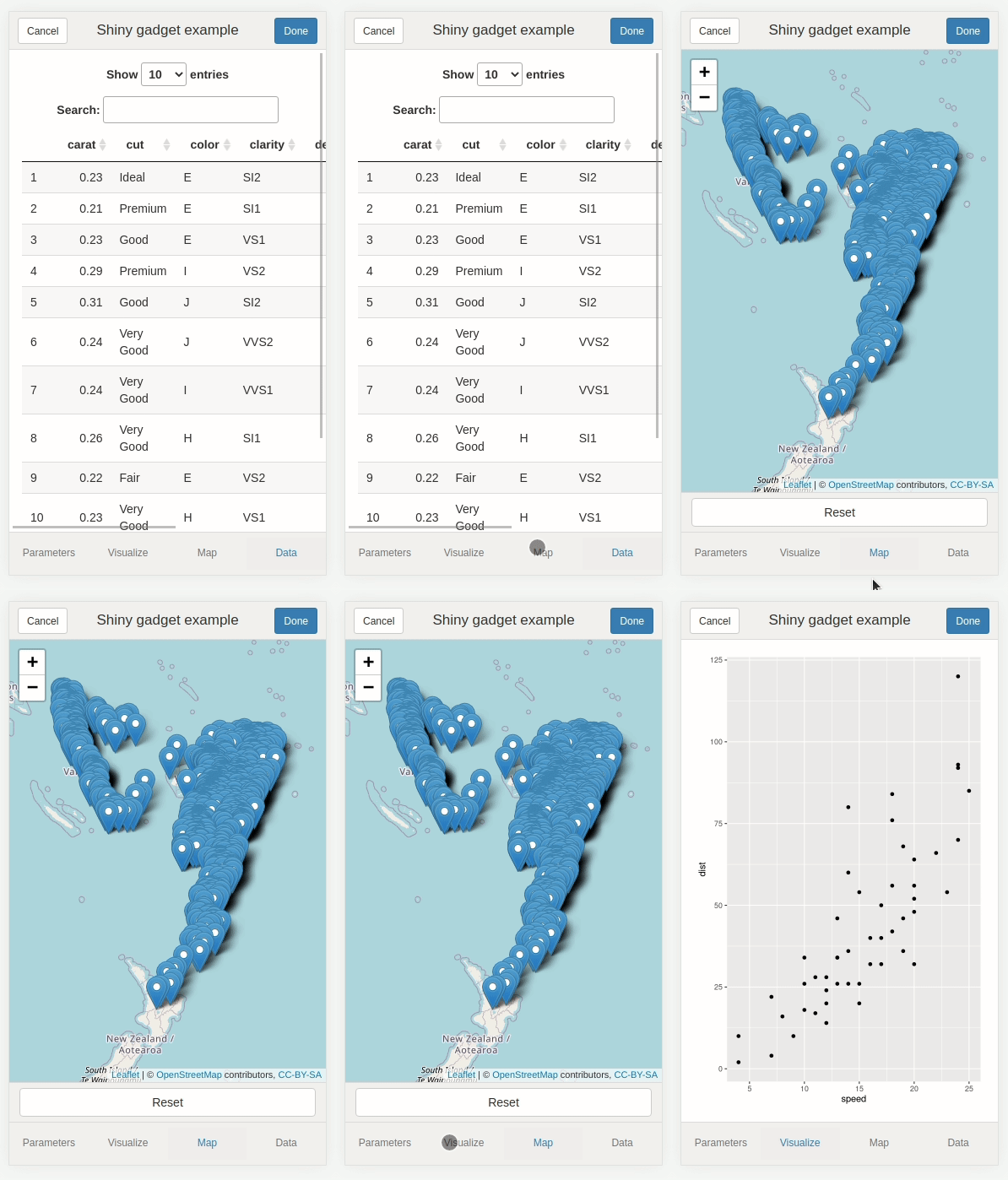
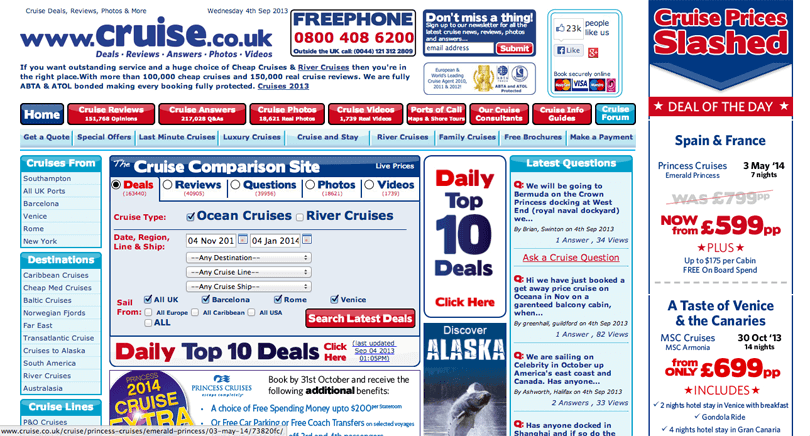
Examples of Shiny apps

What is UI/UX?

User Interface 🎨

  • Visual design
    • Colours, fonts, layouts, images

User Experience 🖱

  • Interaction design
    • Usability, accessiblity, user research & testing
  • Difficult to separate as they both feed into each other

  • Large fields in their own right

    • I will try to cover some basic principles within the context of Shiny apps

Web basics: front end

  • HTML: structure

  • CSS: style

  • JavaScript: interactivity

  • Shiny generates HTML, CSS, and JavaScript for you

  • Can inspect the underlying web technologies using the Developer Tools in browser

🔧 Demo: A simple Shiny app 🔧

  • App that prints a random US state when you click a button
library("shiny")
ui = fluidPage(
  actionButton("click", label = "Click me!"),
  textOutput("state")
)

server = function(input, output, session) {
  output$state = renderText(
    sample(state.name, 1)
  ) |>
    bindEvent(input$click)
}
shinyApp(ui, server)
  • Let’s look at HTML/CSS/JavaScript in Developer Tools

With that out the way…

UI/UX design principles

  1. Accessibility 🫂
  2. Feedback to the User ✅
  3. Help and Documentation 📜
  4. Responsive design 📱
  5. Hierarchy and Chronology 📑
  6. Less is More 🤏
  • Let’s see how many of these we can cover today

1. Accessibility

Accessiblity on the web

  • Ensuring there are no barriers that prevent interaction with or access to the content of your app
  • Potential barriers:
    • Dyslexia, colorblindness, visual or hearing impairments, motor or cognitive impairments and more
  • You can improve:
    • Contrast, colour palettes, font sizes, screen reader compatibility, alternative text, not relying on mouse inputs, transcripts for audio, semantic HTML

Available guidelines & tools

🔧 Demo: Accessibility tools 🔧

Accessibility in Shiny 💻

  • You can run browser-based reports on Shiny apps

  • Shiny generates HTML for you

    • Modifying HTML directly is more difficult
  • renderPlot now has an alt argument for alternative text

  • Colors, fonts, contrast etc. can all be modified using CSS

  • R packages: {shinya11y}, {BrailleR}, {sonify}, {tactileR}

🔧 Demo: Board game app 🔧

  1. Adding alt text

  2. Generating a Ligthouse report

  3. Fixing issues from Lighthouse report

2. Feedback to the User

Every action has a reaction

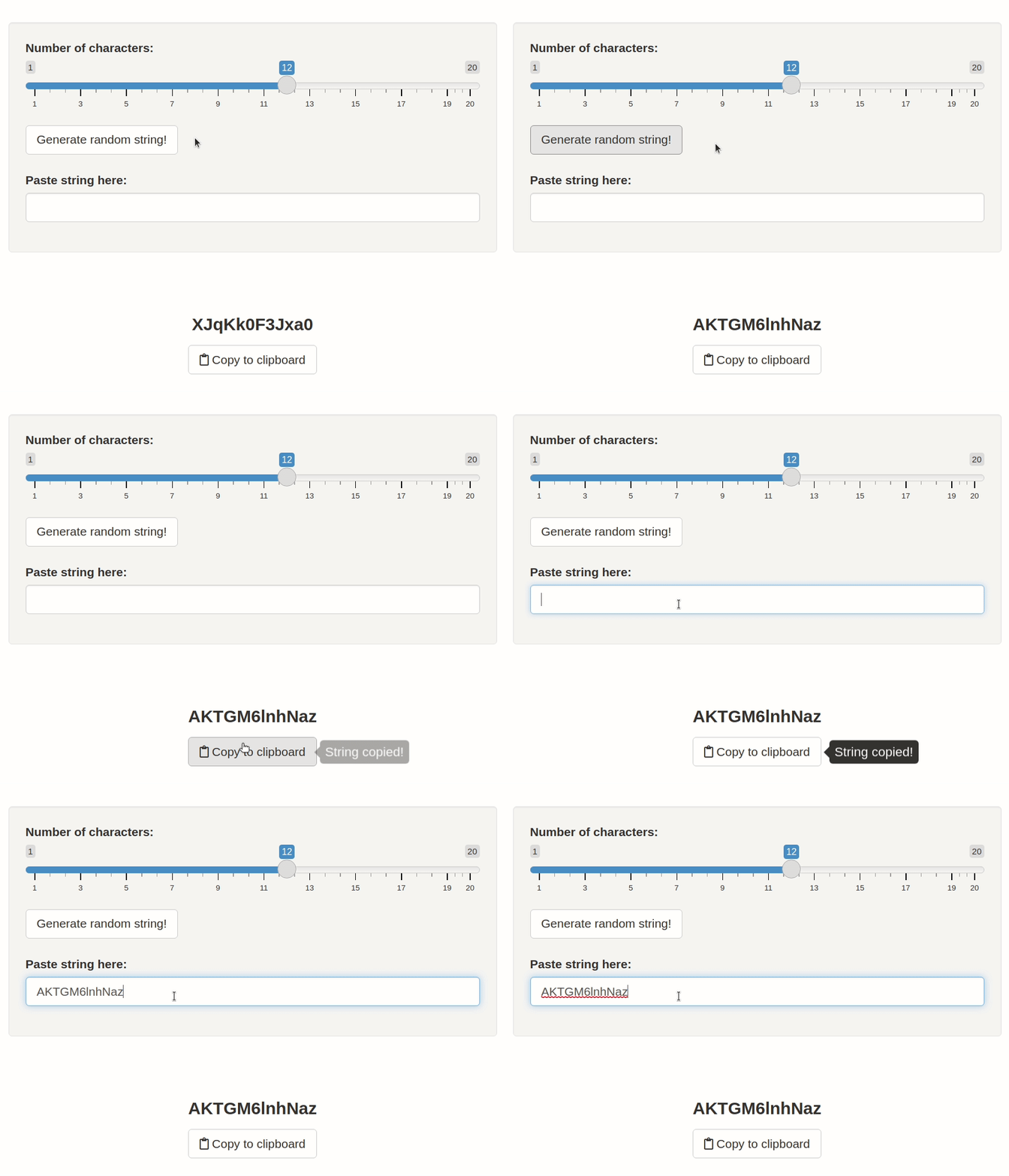
  • Feedback communicates the result of any interaction

Process

  • Process ongoing
  • Correct/incorrect input
  • Action has worked/failed
  • Items are clickable

Example feedback

  • Downloading…
  • Enter a valid phone number
  • Progress saved!
  • Cursor and colour change
  • Also: loading spinners, tooltips, progress bars

Why important?

  • Lack of feedback leaves the user confused

    • Might give up, refresh the whole page, keep clicking a button several times
  • Feedback needs to be both visible and understandable

  • Response should be proportional to action

    • Small action ➜ Small response
      • e.g. don’t need to say “Button clicked!”

In Shiny: built-in

  • Buttons, links etc. already give sensible visual feedback (colour change) at clicking/hovering

  • If e.g. plot fails, will send through R error message

    • Can provide custom error message with validate()
  • showModal() to display a pop-up modal

  • withProgress() to show progress bar

  • showNotification() to display a notification

In Shiny: add-ons

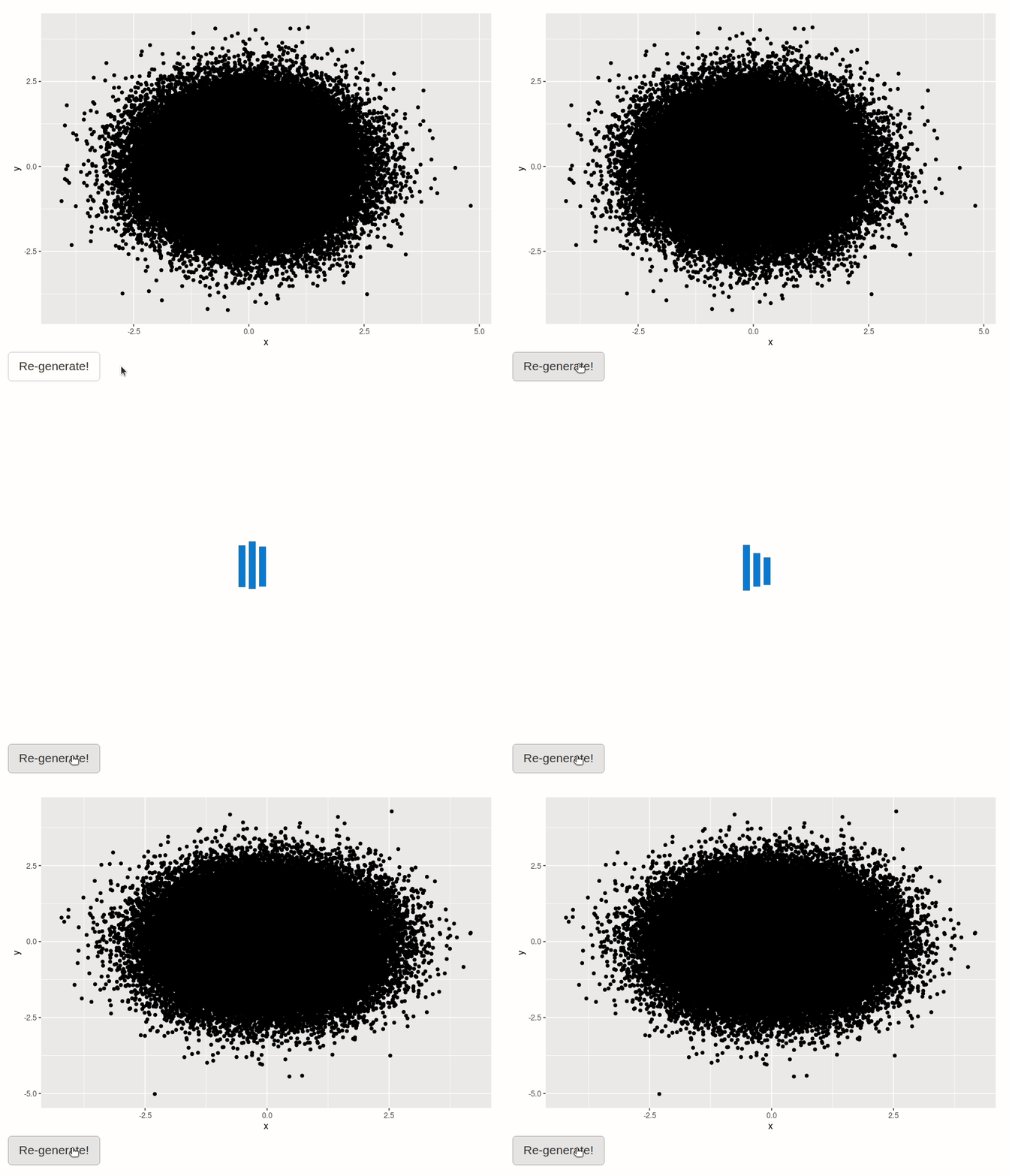
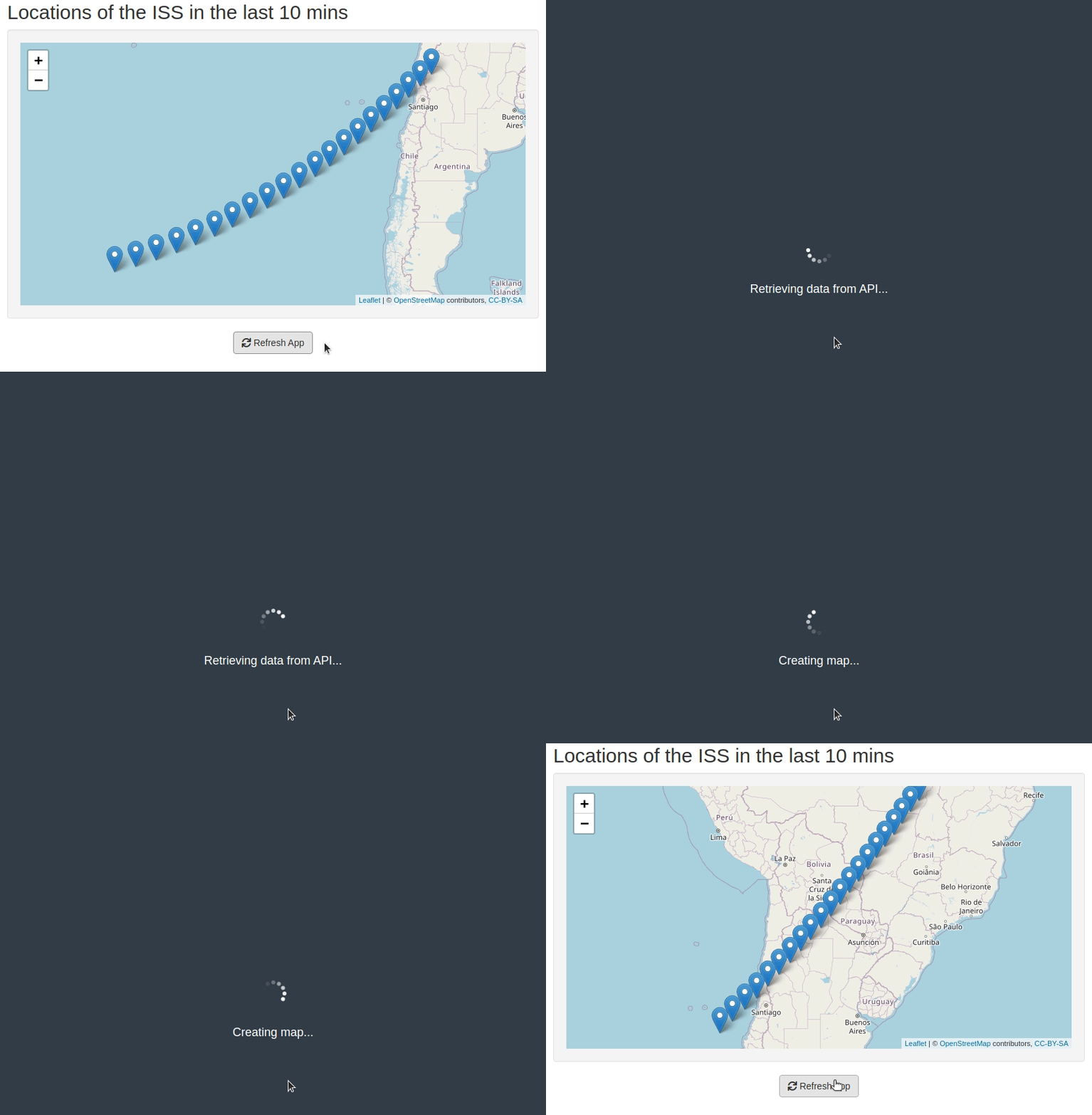
{shinycssloaders}

{waiter}

{tippy}
🔧 Demo: Board game app 🔧

  1. Improving feedback when no games were found
    • Should prompt user to update search criteria

3. Help and Documentation

Getting help

  • Users generally want to navigate a product without resorting to documentation

  • Any help should be easy to locate and focused on the users’ current task

    • ℹ️ Where might your user get stuck?

    • ℹ️ What questions might your user ask?

Basics

  • Include a “Help” or “How to Use” tab

  • Provide enough context for any included visualisations

  • Consider who the user is, and what their knowledge of the subject/content will be

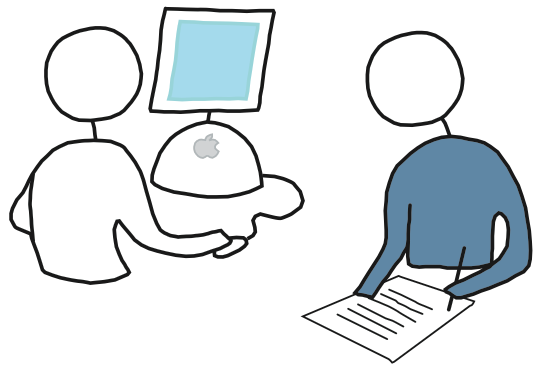
  • User testing: how does a user interact with the app

    • If you can, get an actual end user
    • If not, a colleague or friend might work
In Shiny: add-ons

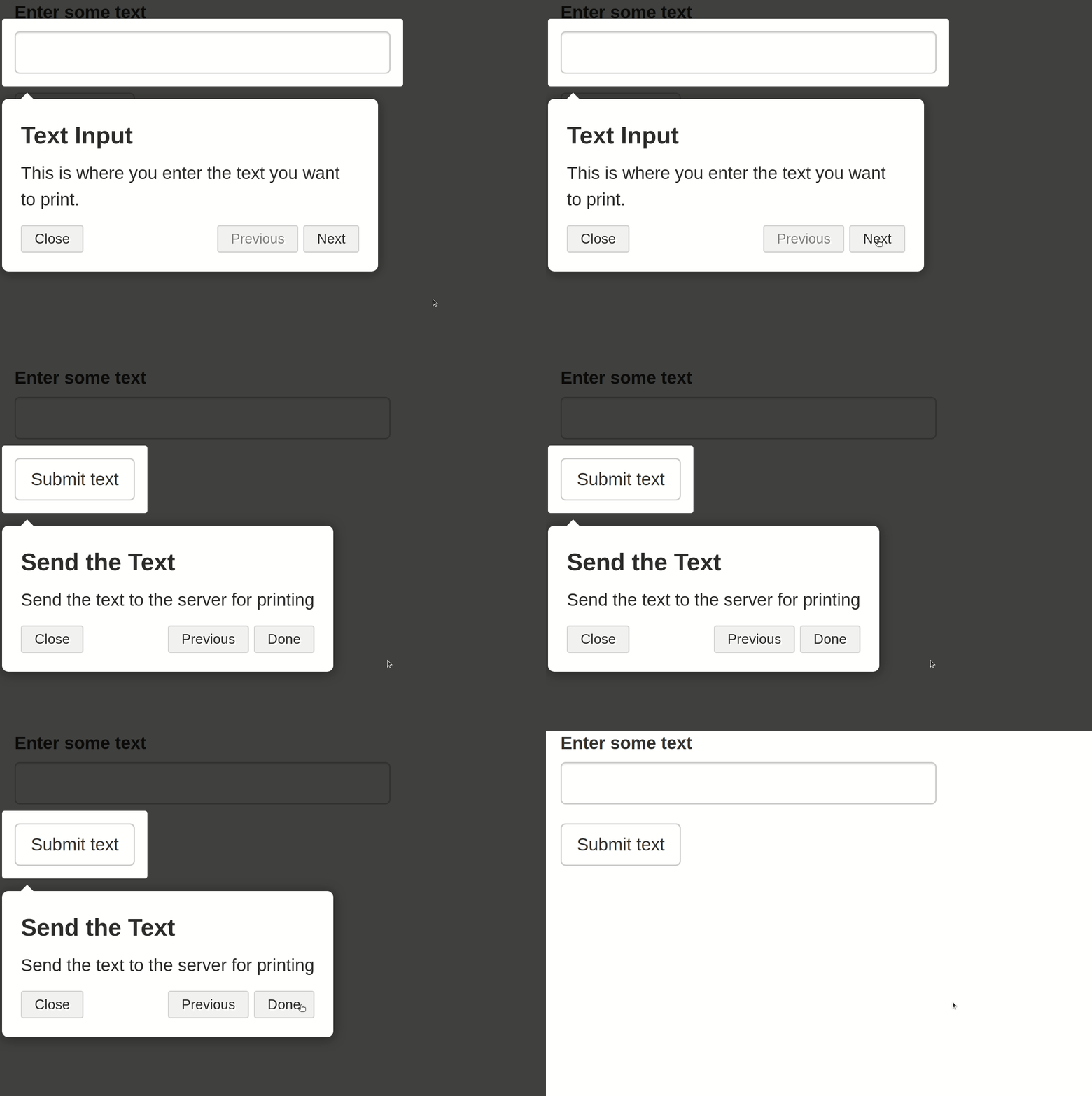
  • {cicerone} to create guided tours of Shiny applications

  • {shinyhelper} for adding help next to certain inputs

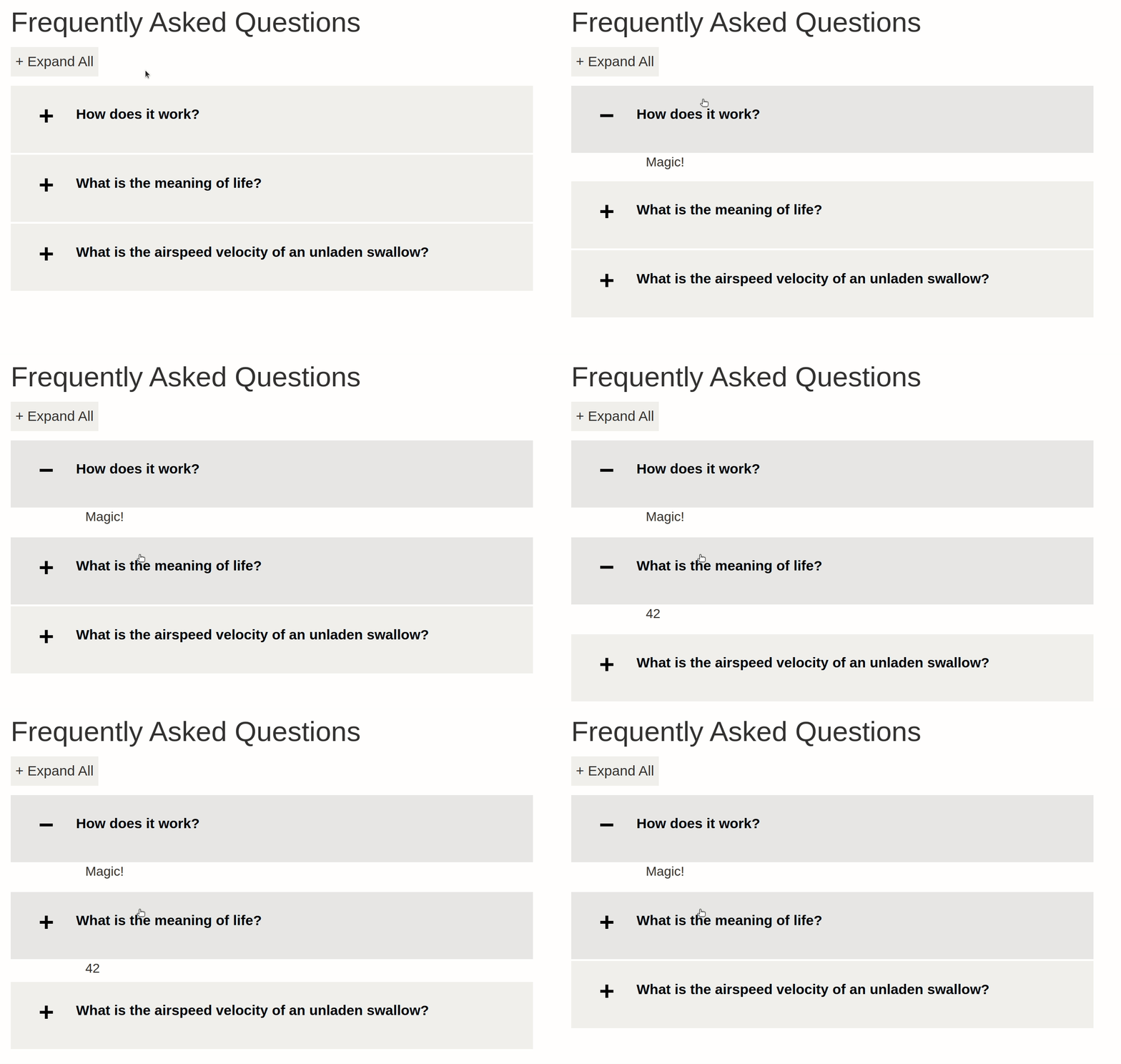
  • {faq} to create a Frequently Asked Questions component

{cicerone}

{shinyhelper}

{faq}

🔧 Demo: Board game app 🔧

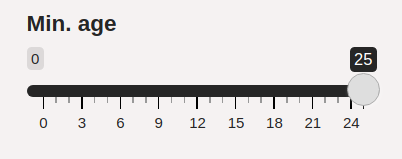
  1. Adding {shinyhelper} help at “min. age input”
4. Responsive Design

What is responsive design? 🖥️️💻️📱

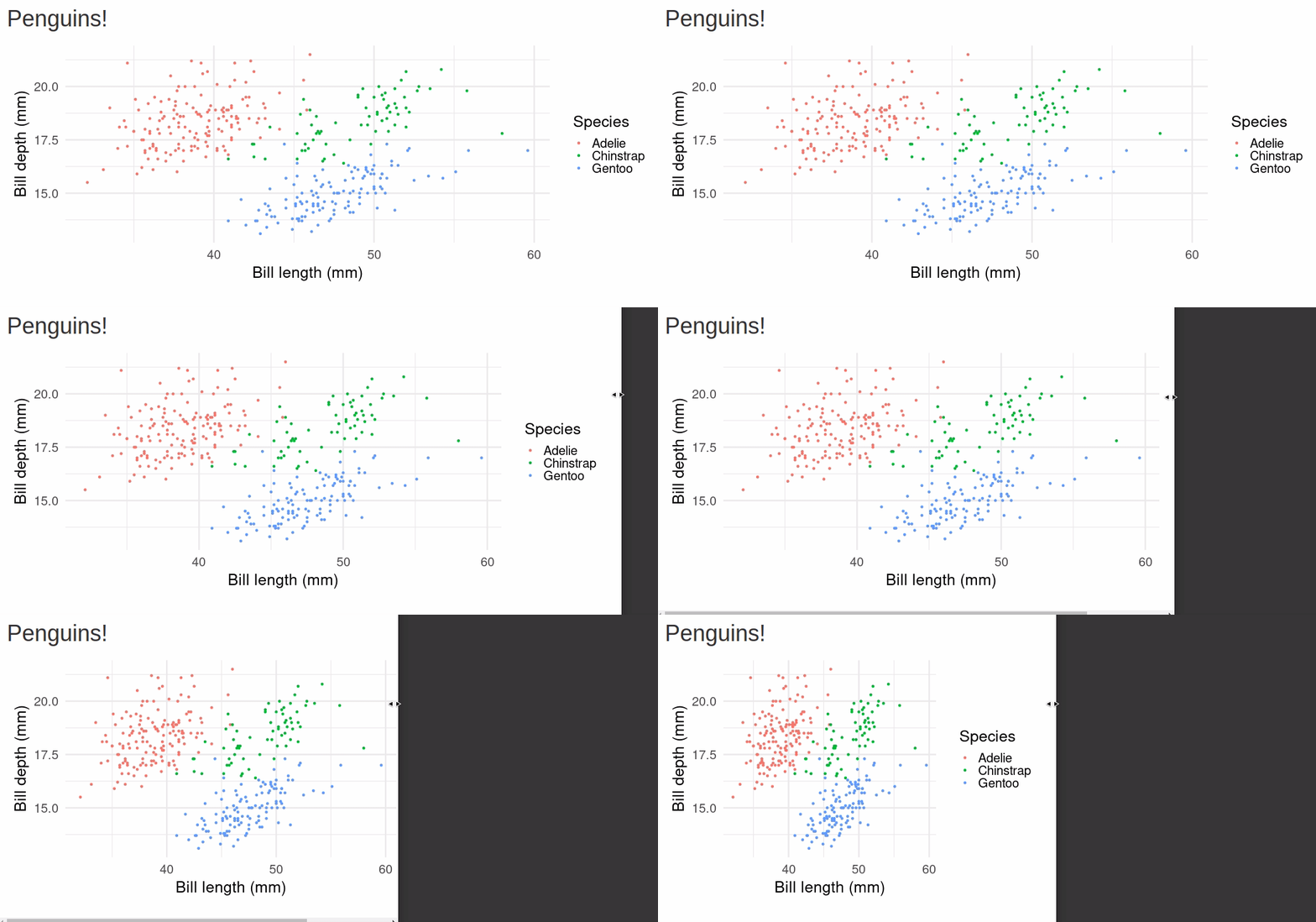
  • Responsive web design is about creating web pages that look good on all devices

  • Users might be accessing your app with a laptop, a tablet, or their phone

  • A responsive web design will automatically adjust for different screen sizes and viewports

Guidelines and tools

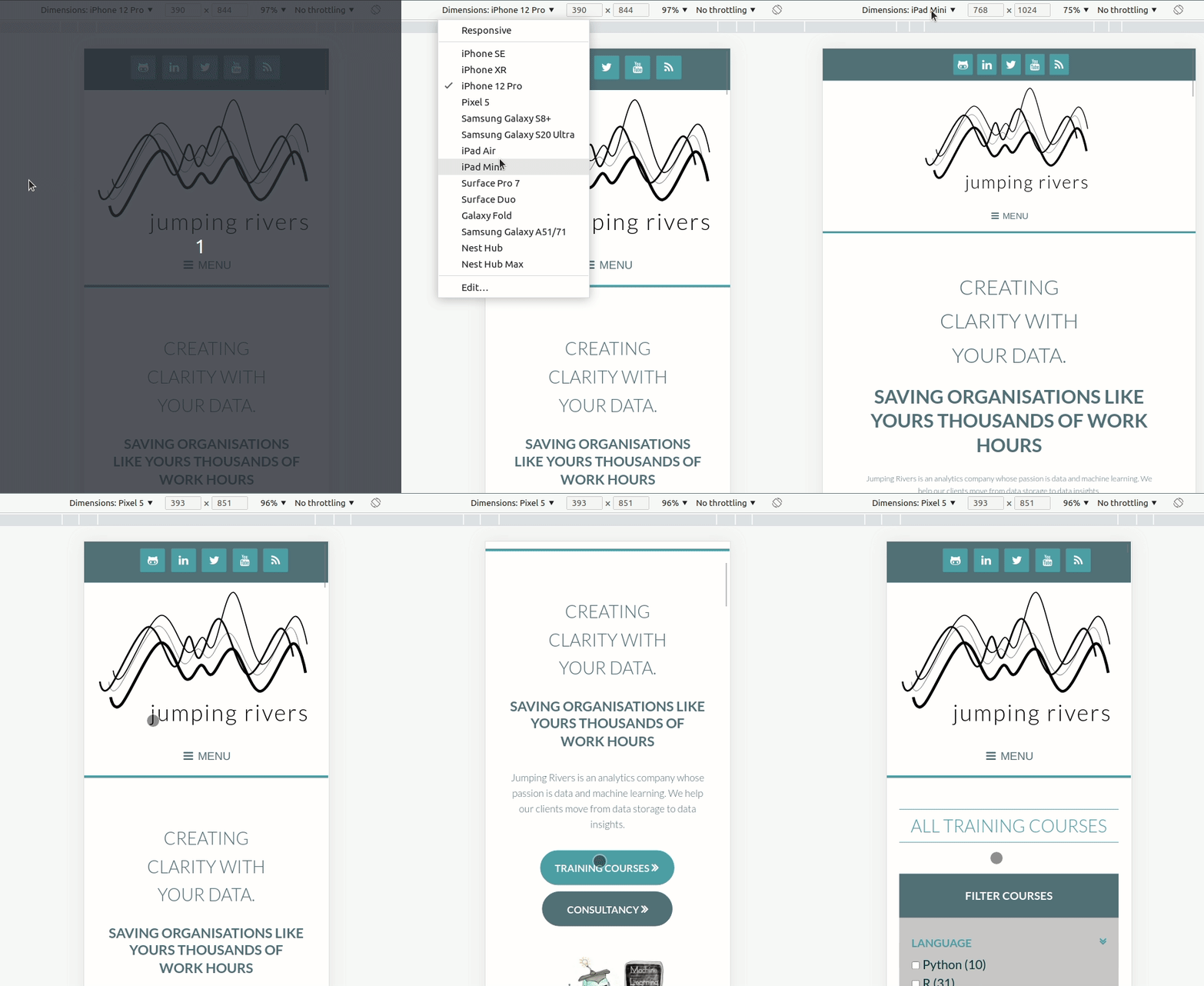
  • Developer tools allow you to view your web page with different dimensions and even specific devices
    • You can also try rotating the screen (as if you were rotating your phone screen) and zooming in on the device as well as use “touch screen”
Shiny and responsive design

  • Default layout fluidPage should resize with window

  • Avoid hard coding widths and heights in centimetres or inches

    • Instead use relative units e.g. percentages
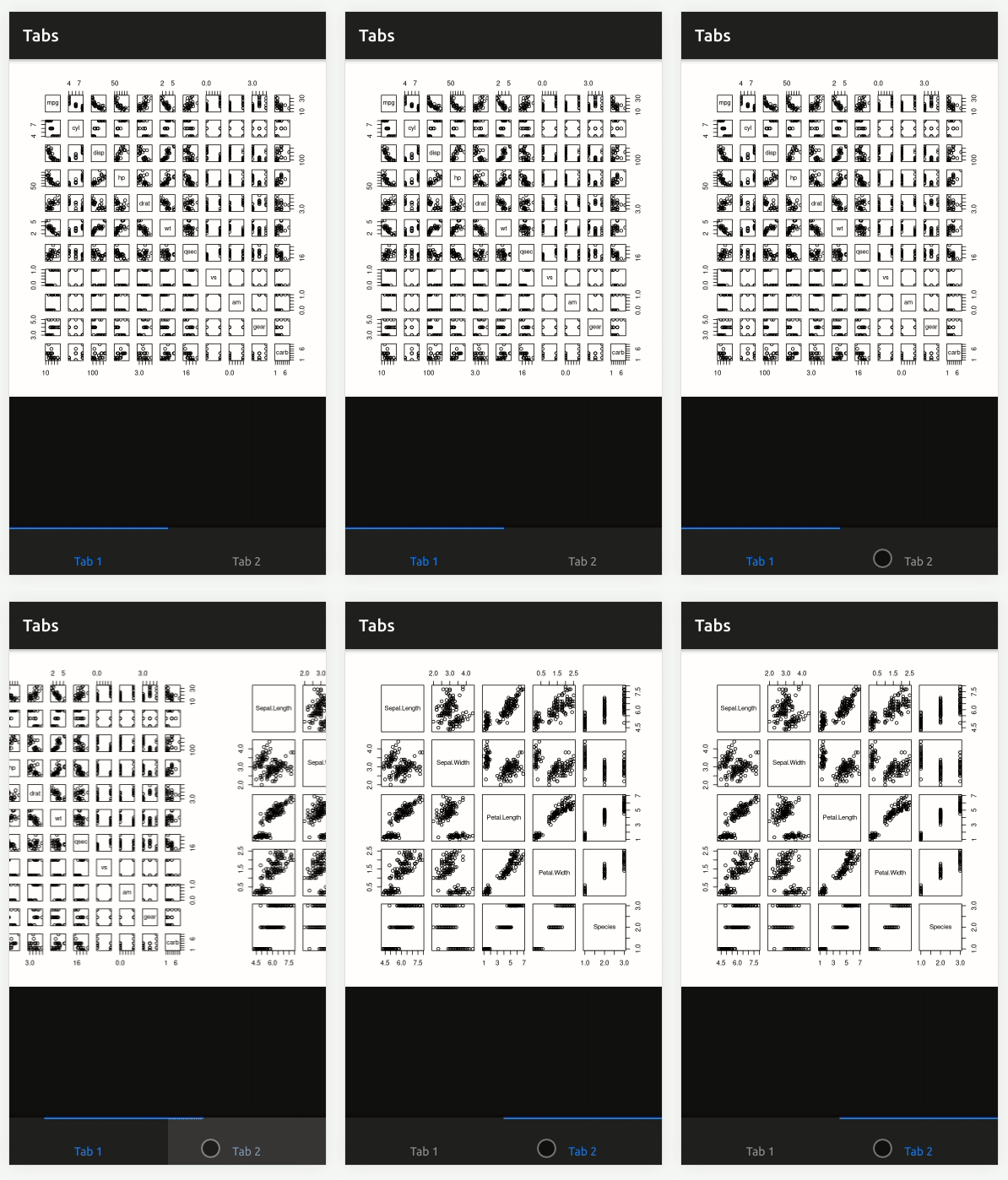
Mobile compatibility in Shiny
🔧 Demo: Board game app 🔧

  1. Try out different screen sizes in developer tools

5. Hierarchy and Chronology

Structuring your content

  • Visual hierarchy allows the user to process information by importance
    • The mind can group and prioritise elements to give them a specific order
    • If no hierarchy, much greater effort in navigation

Where to look? 👀

How to create hierarchy

  • Size ➕: The larger the element, the more it will attract attention
  • Colour 🎨: Bright colours stand out more than muted tones
  • Alignment️ 📏: Any element that separates from the alignment of the others will attract attention
  • Negative space ⬜: The more space around the element, the more attention it generates

In Shiny

  • Use h1-h5 headings effectively
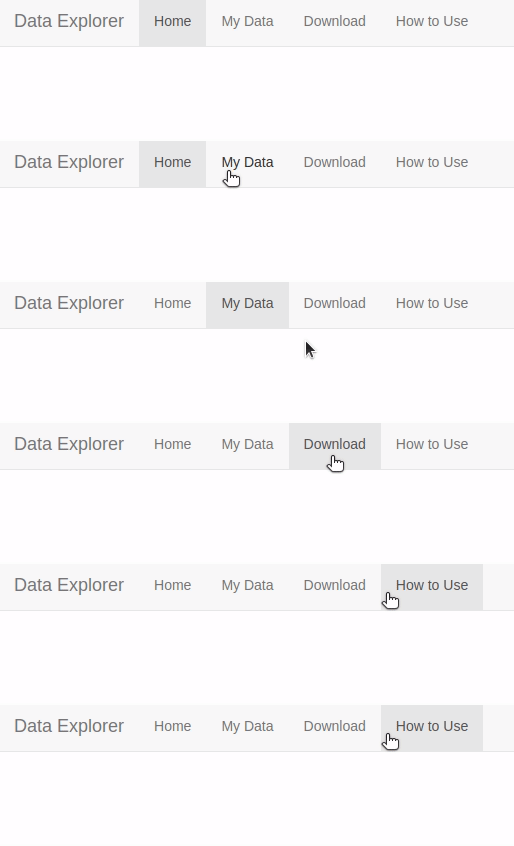
  • Structuring your content into sections/tabs to avoid all content on a single page
    • e.g. navBarPage()
  • Highlighting important outputs/inputs with size/color/position
🔧 Demo: Board game app 🔧

  1. Distinguish the “Find board game” button from the “+ More options” button using size/colour

6. Less is More

Reduce complexity 🧘

  • As you’re learning about cool packages in Shiny, it’s easy to add features just because
  • The more you add, the more difficult your app will be to interact with for the user (increased cognitive load)
    • It may also slow down the app itself!

Keep only what’s essential

  • What is essential for the usage of your app?
    • Make sure it is easy to perform those basic actions, before adding any other features
      • You can use hierarchy/chronology to emphasise that basic user journey

In Shiny

  • Avoid unnecessary interactivity
    • e.g. only use {plotly} when there’s a reason to
  • Hide “advanced” inputs not necessary for basic use
    • e.g. extra filters when searching for a hotel room

🔧 Demo: Board game app 🔧

  1. Add min. age input into “+ More options”

This all seems too much!

  • Don’t worry about meeting all these principles from the get go

  • Development is an iterative process, and you can always keep improving your app

  • Also, to even worry about the user interface and user experience, you will need to have users first!

Thank you! 🌻

  • Twitter: @MandyNorrbo

  • LinkedIn: Mandy Norrbo

  • GitHub: mnorrbo

  • Slides: mnorrbo.github.io/uiux-shiny